Why Robot Vacuums Get Stuck (And How to Prevent It)
Few things are more frustrating than this:
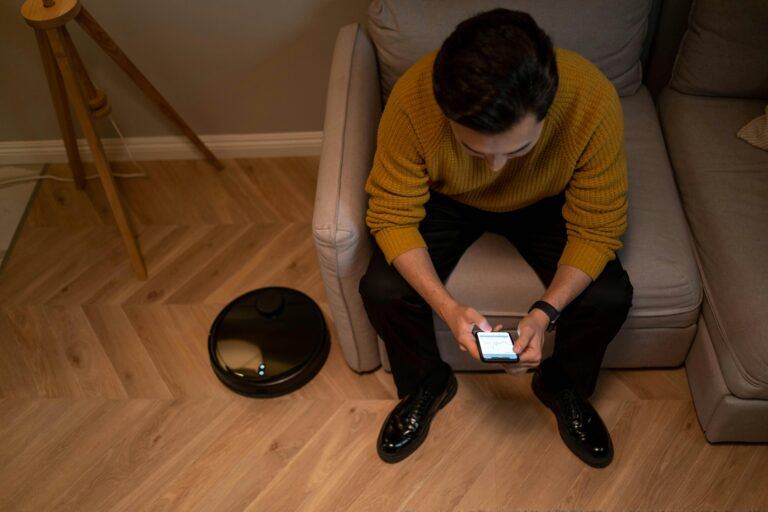
You check your phone.
Your robot vacuum ran for 12 minutes… then stopped.
Error message: “Stuck.”
Now you’re walking around the house trying to find where it wedged itself like a confused turtle.
If you’re wondering why robot vacuums get stuck — and whether that means they aren’t worth buying — you’re not alone.
The good news?
Most “stuck” problems are predictable.
And preventable.
Let’s break down why it happens and how to fix it.
Why Robot Vacuums Get Stuck in the First Place
Robot vacuums aren’t dumb — but they’re not perfect either.
They rely on sensors, mapping systems, and bump detection to navigate your home. When those systems meet real-world clutter, things can go sideways.
Most getting-stuck issues fall into a few common categories.
Cords and Loose Wires
This is the number one cause.
Phone chargers.
Lamp cords.
Extension cables.
Robot vacuums don’t “see” cords the way we do. They roll over them, wrap them into the brush, and stop.
Prevention:
- Pick up visible cords before running.
- Use cord organizers.
- Block off heavy cable areas.
If you want to understand what navigation features actually help reduce this issue, check Robot Vacuum Features People Overpay For before assuming you need the most expensive model.
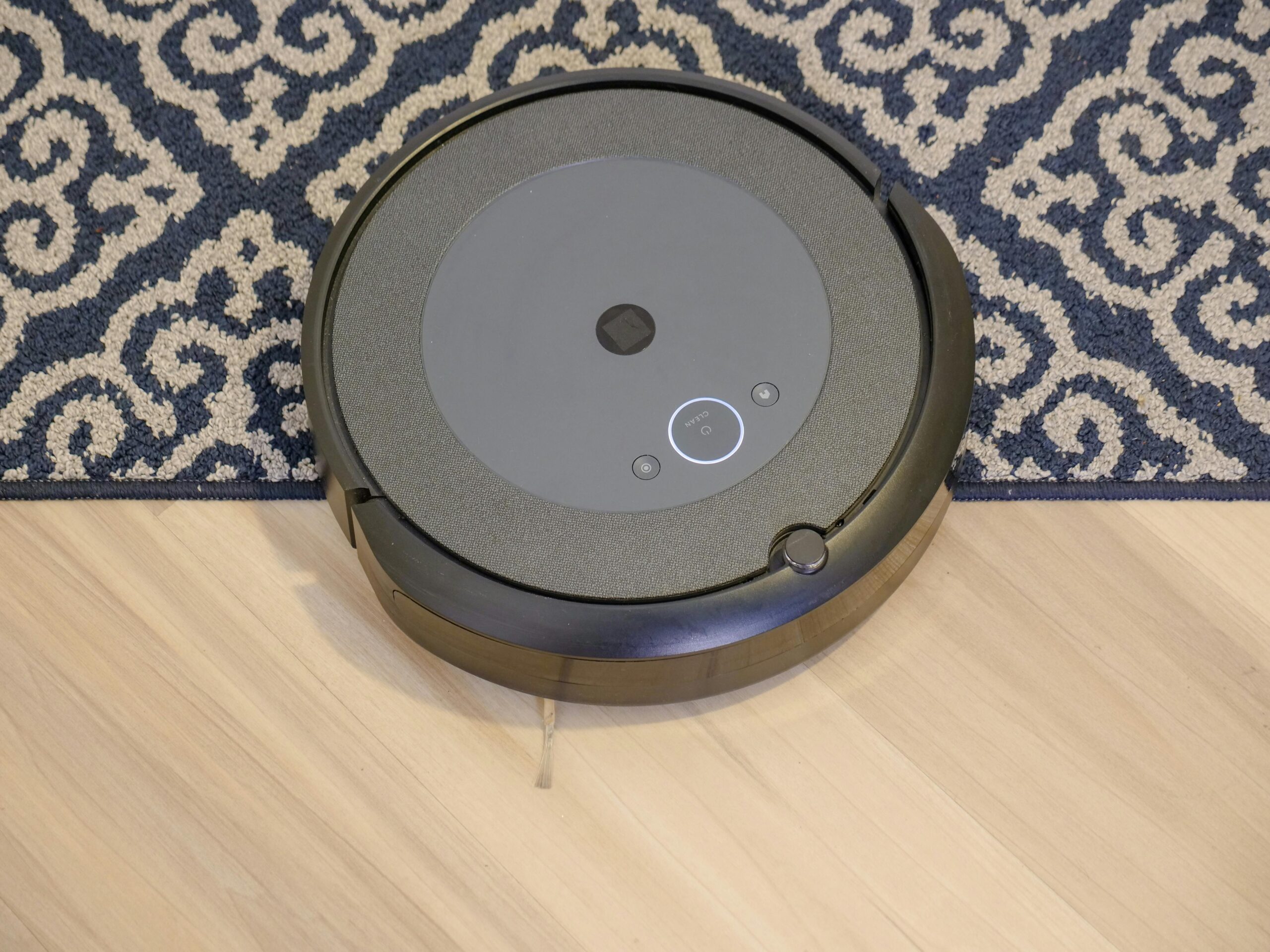
Thick Rugs and Transitions
High-pile rugs can trap wheels.
So can thick transitions between rooms.
Some robot vacuums handle thresholds better than others, but entry-level models struggle here.
Prevention:
- Secure rugs with non-slip pads.
- Avoid super thick shag rugs in robot zones.
- Check maximum threshold clearance before buying.
If you’re unsure whether your home setup makes sense for a robot vacuum at all, When a Robot Vacuum Is Actually Worth It walks through common scenarios.
Under Furniture With Low Clearance
Robot vacuums love going under couches.
Sometimes they love it too much.
If furniture clearance is barely taller than the vacuum itself, it can wedge underneath and get stuck trying to exit.
Prevention:
- Measure clearance before buying.
- Use no-go zones in the app.
- Add furniture risers if needed.
Cluttered Floors
Shoes.
Dog toys.
Socks.
Small objects.
Robot vacuums don’t differentiate between “floor” and “stuff on the floor.”
A cluttered space increases the chance of getting stuck dramatically.
Prevention:
- Do a 60-second pickup before each run.
- Schedule cleaning during predictable times (like after bedtime cleanup).
This is also something to consider when reading Before You Buy a Robot Vacuum — they work best in reasonably tidy spaces.
Pet Accidents (Yes, It Happens)
If you have pets, this is important.
Robot vacuums and unexpected “messes” do not mix well.
Some newer models have object detection that helps avoid this scenario, but not all do.
If pet ownership is part of your buying decision, you may want to read Are Robot Vacuums Worth It for Pet Hair? to understand the pros and limitations.
Cheap Sensors and Weak Mapping
Lower-cost models rely more on bump navigation than intelligent mapping.
That means they bounce around randomly.
The more random the movement, the more chances they have to get stuck.
Higher-end models use LiDAR or structured mapping, which dramatically reduces this issue.
If you’re comparing models, start with Top 5 Robot Vacuums That Make Sense to avoid underpowered navigation systems.
How to Prevent Your Robot Vacuum From Getting Stuck
The good news?
Most issues are preventable with small adjustments.
Keep Floors Lightly Prepped
You don’t need perfection — just basic tidiness.
Pick up cords, socks, and pet toys before scheduled runs.
Use Virtual Boundaries or No-Go Zones
Most mid-range and premium robot vacuums allow you to block off areas in the app.
Use this feature for:
- Cable-heavy corners
- Tight furniture areas
- Thick rug sections
Secure Rugs and Mats
Loose rugs bunch up and trap wheels.
A simple non-slip pad often solves the issue entirely.
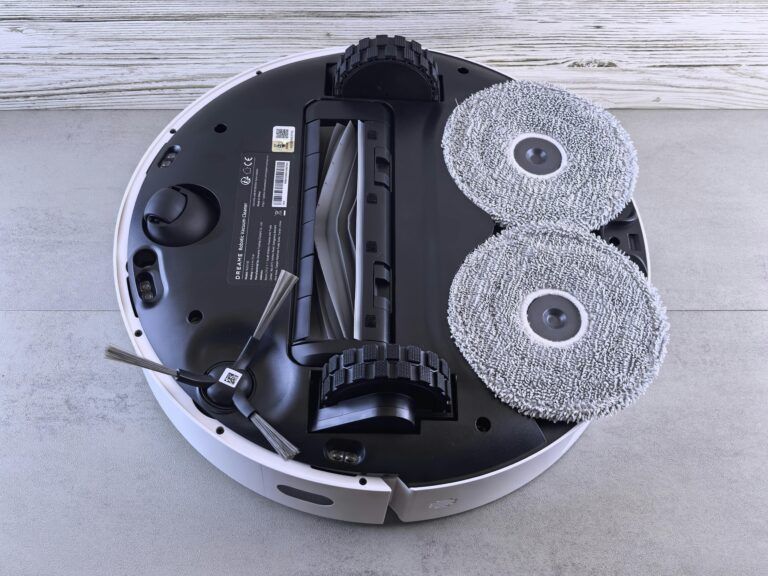
Maintain Brushes and Wheels
Hair buildup in wheels can reduce traction.
Clean:
- Brush rolls
- Side brushes
- Wheel housings
Regular maintenance reduces error messages.
If your robot vacuum constantly gets stuck despite prep, it may not be your house.
It may be the model.
Entry-level units tend to struggle more with real-world obstacles.
Frequently Asked Questions About Robot Vacuums Getting Stuck
Is it normal for robot vacuums to get stuck sometimes?
Yes.
Even high-end models can occasionally get stuck. The goal isn’t zero errors — it’s minimizing how often it happens.
Do more expensive robot vacuums get stuck less?
Generally, yes.
Better mapping systems and stronger sensors reduce the chances significantly.
However, even premium models can get stuck in cluttered environments.
Can robot vacuums detect cords?
Most cannot reliably detect thin cords.
Some high-end models have improved obstacle recognition, but prevention is still the best strategy.
Why does my robot vacuum get stuck under the couch?
The clearance may be too tight.
If the vacuum barely fits underneath, it may struggle to exit. Using no-go zones or furniture risers can help.
How do I stop my robot vacuum from getting stuck on rugs?
Secure rugs with non-slip pads.
If the rug is too thick for your model’s clearance capability, blocking it off may be the better option.
Should I return my robot vacuum if it keeps getting stuck?
Not necessarily.
First, address common causes like cords and clutter.
If problems persist and the model lacks smart navigation, upgrading may be the better long-term solution.
Final Verdict: Should You Worry About Robot Vacuums Getting Stuck?
Robot vacuums getting stuck is common — but usually manageable.
In most homes, simple prep and smart setup reduce the issue dramatically.
If you expect it to navigate a chaotic, cluttered space flawlessly, you’ll be disappointed.
If you treat it like a smart tool that needs a reasonably prepared environment, it can work very well.
Like most things in this category, success depends on:
- The model you choose
- Your flooring type
- Your home setup
- Your expectations
Used correctly, getting stuck becomes an occasional inconvenience — not a dealbreaker.