Standing Desk Features You Don’t Need (And What Actually Matters)
Standing desks are a smart upgrade — but they’re also one of the easiest products to overspend on.
If you haven’t already, start with Before You Buy a Standing Desk. That page walks through what actually matters, what doesn’t, and how most people end up regretting their purchase. This page zooms in on one specific part of that problem: features that sound important, but rarely improve real-world use.
None of the features below are bad. Some are genuinely nice to have. The issue is that many people pay extra for them expecting better stability, better ergonomics, or longer lifespan — and that’s usually not what they deliver.
Touchscreen or “Smart” Control Panels
Touchscreen keypads are often marketed as a premium upgrade, but they’re one of the most common features people regret paying for.
Why people think it matters
- Looks modern and high-end
- Feels more “advanced” than physical buttons
- Marketed as easier or more precise
Why it usually doesn’t
- Most people use the same one or two height settings
- Physical buttons are just as accurate
- Touchscreens add electronics without improving performance
In some cases, touch panels can actually be less reliable over time, especially on desks that get adjusted frequently.
When it might be worth it
If aesthetics are a priority and the desk is part of a visible, design-focused office. Otherwise, it won’t change how the desk performs.
App or Bluetooth Desk Controls
Adjusting your desk from your phone sounds convenient — until you realize you almost never need to.
Why people think it matters
- Feels futuristic
- Promises automation or productivity gains
- Marketed as “smart office” tech
Why it usually doesn’t
- You’re already standing at the desk
- Opening an app is slower than pressing a button
- Adds software, connectivity, and potential failure points
App controls don’t make a desk more stable, stronger, or longer-lasting.
When it might be worth it
If you enjoy tech features and value novelty over simplicity. For most people, it’s unnecessary.
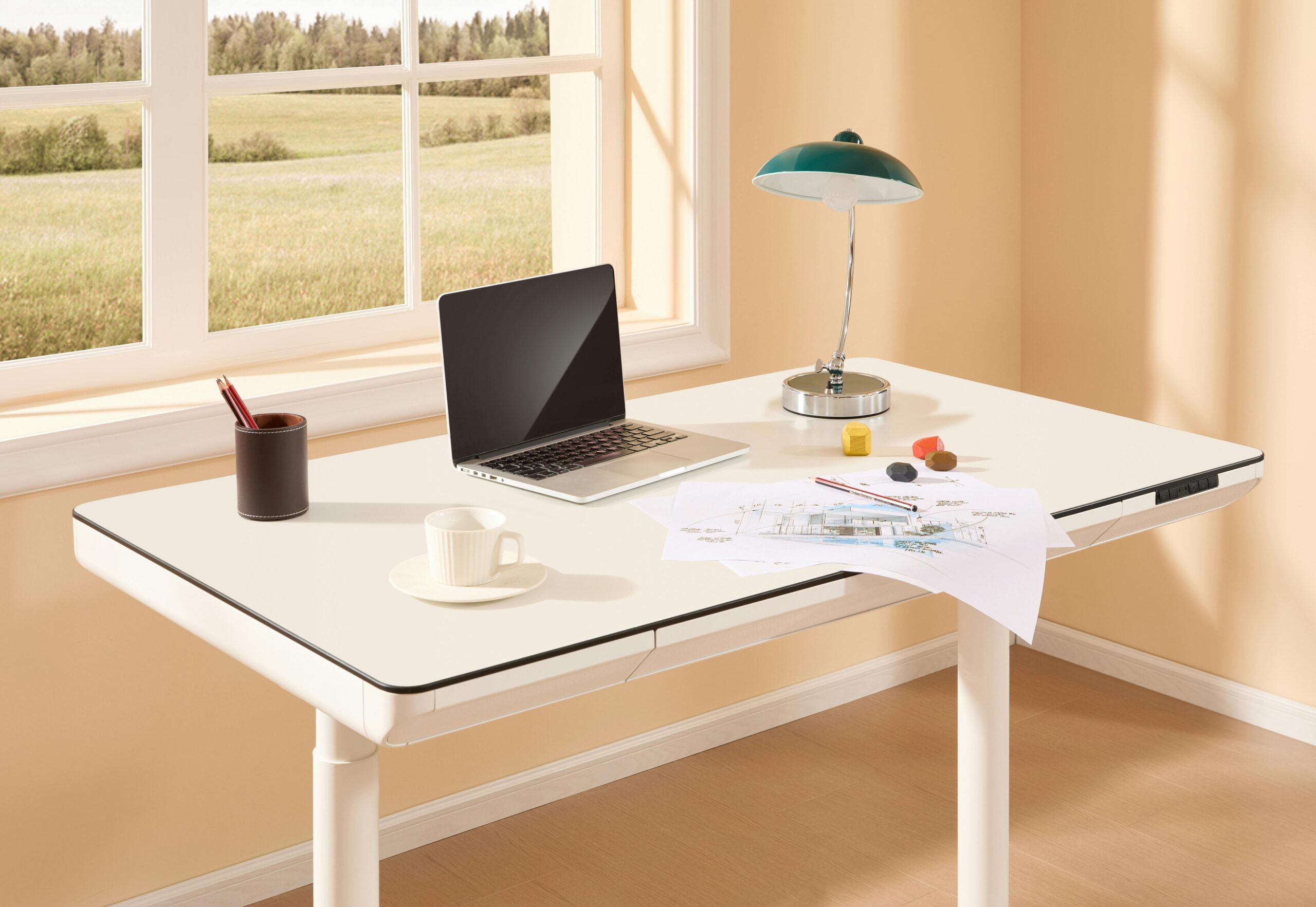
Built-In Drawers and Storage
Built-in drawers are often framed as a way to keep your workspace clean. In practice, they’re one of the least impactful upgrades.
Why people think it matters
- Fewer accessories to buy
- Cleaner, all-in-one look
Why it usually doesn’t
- Reduces legroom
- Limits future flexibility
- Often smaller than expected
- Hard to remove or modify later
Many people still end up adding separate storage, which makes the built-in drawers redundant.
When it might be worth it
If you value aesthetics over flexibility and already know the drawer layout fits your workflow.
Excess Memory Presets
Some desks advertise six, eight, or even more programmable height presets.
Why people think it matters
- More presets sounds more customizable
- Feels useful for multiple users
Why it usually doesn’t
- Most people only use one sitting height and one standing height
- Extra presets don’t improve motor quality or stability
- You’re paying for buttons you’ll never press
Two or three presets cover almost every real-world use case.
When it might be worth it
Shared desks with multiple regular users. Otherwise, it’s overkill.
Decorative LED Lighting or Accent Features
LED lighting and visual accents are becoming more common, especially in “premium” or “smart” desks.
Why people think it matters
- Looks modern
- Feels customizable
- Marketed as improving focus or mood
Why it usually doesn’t
- Doesn’t improve ergonomics
- Doesn’t affect stability, strength, or lifespan
- Often turned off once the novelty wears off
Lighting can look nice — it just doesn’t make the desk better at being a desk.
When it might be worth it
If aesthetics are a priority and you’re comfortable paying for looks rather than performance.
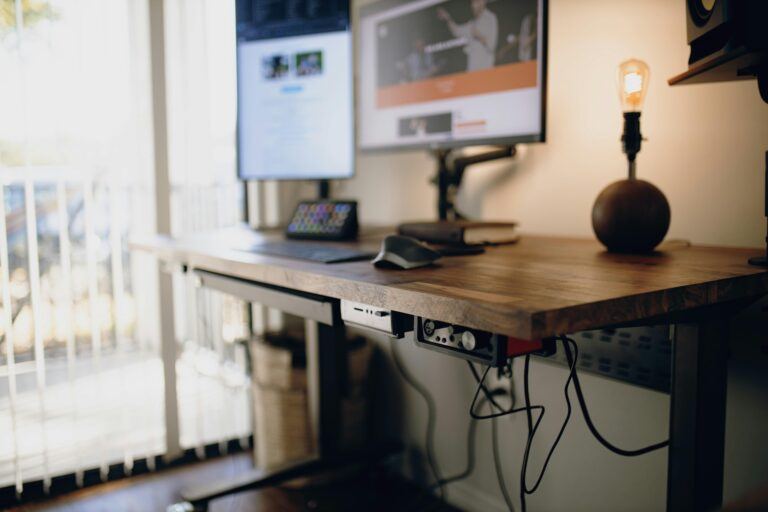
Fancy Cable Grommets and Built-In Power Modules
Cable management matters, but built-in solutions are often oversold.
Why people think it matters
- Cleaner setup
- Fewer accessories to buy
Why it usually doesn’t
- Grommets are inexpensive to add later
- Built-in power modules lock you into one layout
- Upgrades or changes become harder
Good cable management comes from planning, not from paying extra upfront.
When it might be worth it
If your desk layout is permanent and unlikely to change.
Why These Features Feel So Tempting
Most of these upgrades rely on the same idea: more features must mean a better desk.
But long-term satisfaction with a standing desk comes from:
- Stability at standing height
- Smooth, reliable motors
- Proper height range
- Build quality that holds up over time
That’s why many people with feature-packed desks still feel disappointed months later.
This is exactly why Before You Buy a Standing Desk focuses on fundamentals first — once those are right, everything else becomes optional.
What to Focus on Instead
If you want a desk you won’t regret buying, prioritize:
- Stability at full height
- Motor quality
- Height range that fits your body
- Realistic weight capacity
- Warranty and parts coverage
Those are the things you feel every single day, not the extras.
Final Takeaway
Paying extra for features isn’t automatically wrong. Paying extra expecting them to fix core performance problems usually is.
Once you separate nice-to-haves from must-haves, buying a standing desk becomes much simpler — and much cheaper in the long run.
If you want the full decision framework, go back to Before You Buy a Standing Desk.
If you’re ready to move forward, the next step is understanding when it’s actually worth paying more — or skipping straight to the standing desks that actually make sense.
Buy once. Skip the noise.